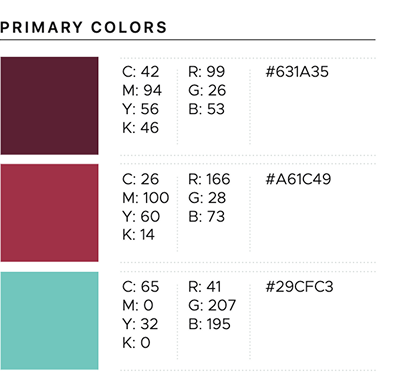
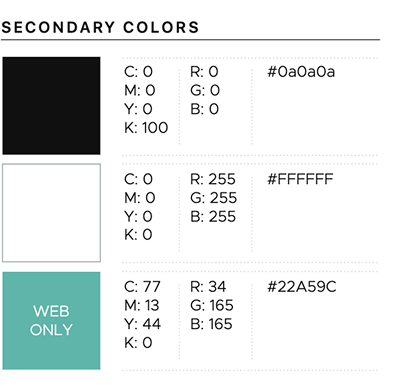
Libby branding
Branding criteria
The following criteria are required for your API implementation to get production access:
- Refer to Libby wherever a vendor's platform is referenced in your product, like on checkout and hold buttons (e.g., Borrow with Libby or Place hold with Libby).
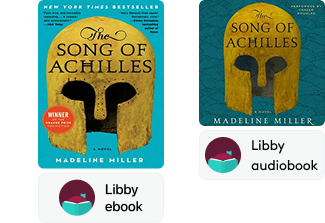
- Refer to OverDrive titles as Libby ebook, Libby audiobook, or Libby magazine.
- Use the dynamic links (i.e., link.overdrive.com) provided in API responses and MARC records to ensure users go to the correct platform.
- If samples are provided in your product, use the OverDrive Read and Listen sample links provided in API responses and MARC records.
These additional guidelines aren't required to get production access but will help to orient users in your product:
- Include the Libby logo on buttons.
- Include other formats offered in Libby, such as Kindle Book or EPUB.
- Use the headphones icon for audiobooks to distinguish them from ebooks.
Download all Libby assets and badges
Example API implementations
Note: These are examples only. Your implementation doesn't need to use the exact UI shown here.




An example of the use of a title with borrow badge underneath:
Other helpful Libby branding information